Webflow vs Framer
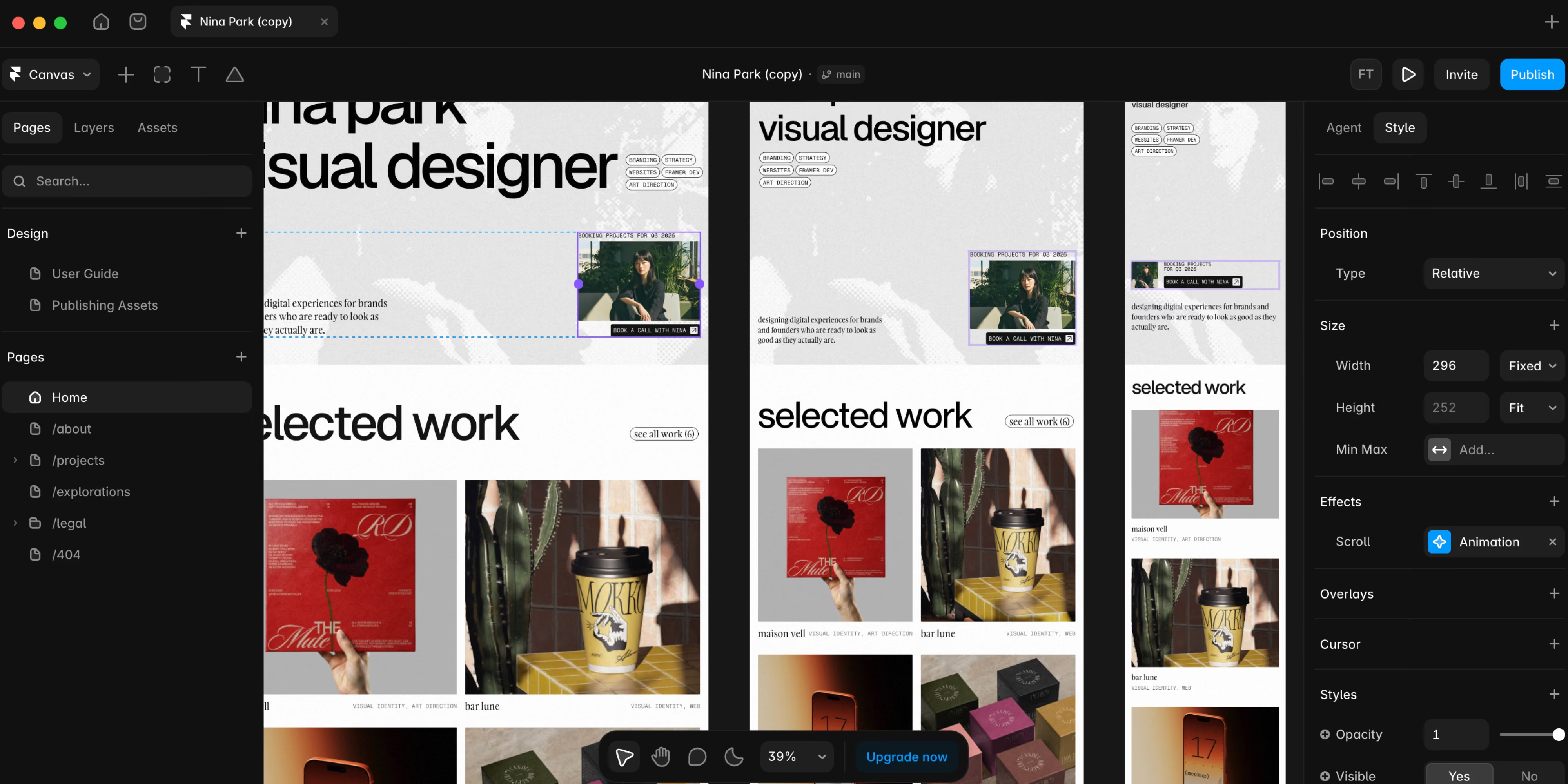
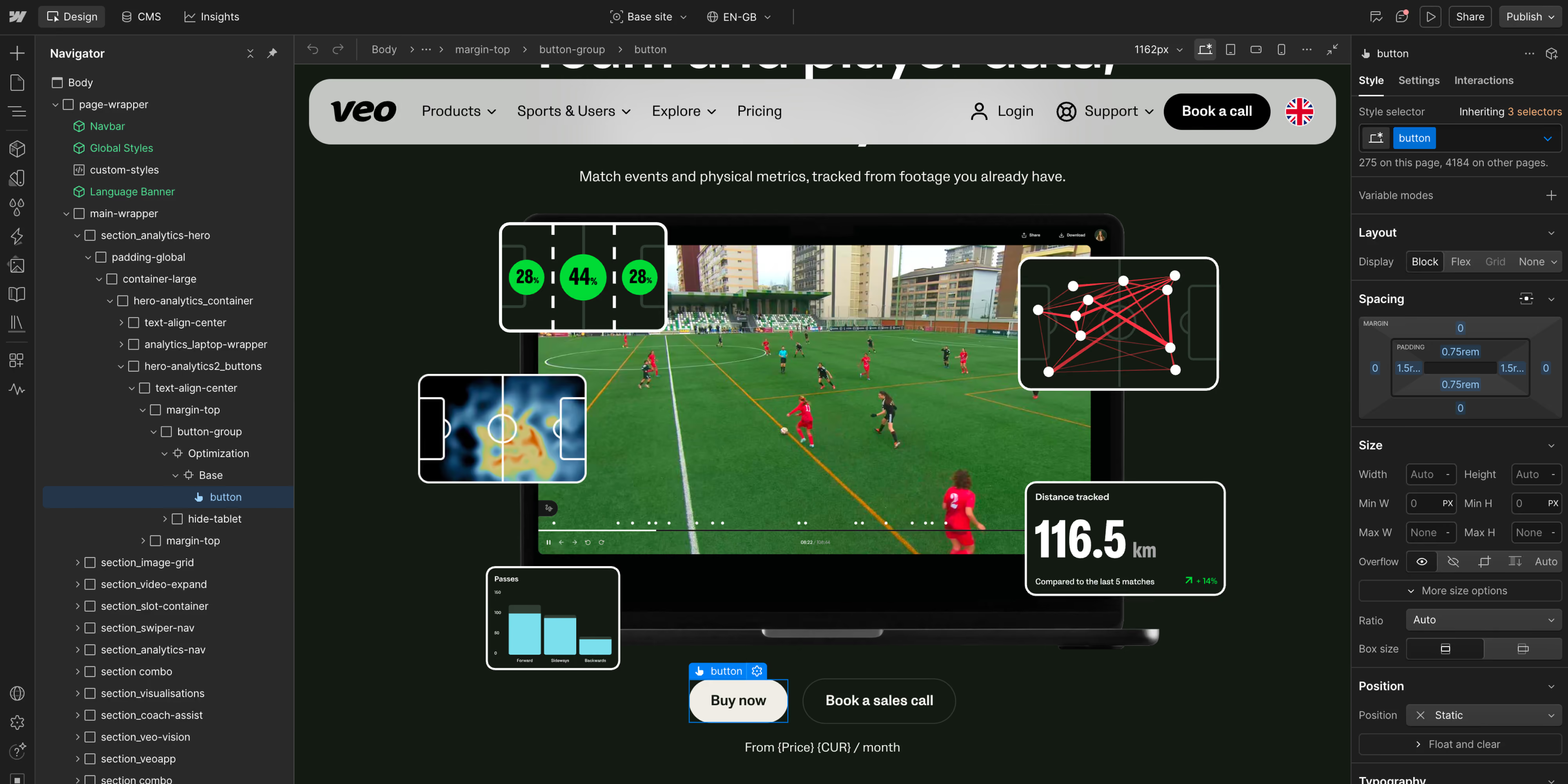
Framer can be smarter for a focused launch but Webflow is usually safer when the website will accumulate content, stakeholders, workflows, and technical requirements.
- 01Both platforms are managed and visual. This is a workflow and scale comparison, not SaaS versus self-hosted software.
- 02Framer has the gentler learning curve for many Figma-oriented designers and is extremely fast for landing pages and compact brand sites.
- 03Webflow offers a deeper website production model for responsive layouts, structured CMS work, components, integrations, and enterprise governance.
- 04Framer’s Basic plan is $10 per month and Pro is $30 per month on annual billing; additional editors, locales, analytics/experimentation, hosting scale, and CMS capacity can increase the total.
- 05Performance and SEO are implementation outcomes on both platforms. Large media, scripts, animations, weak information architecture, and thin content can undermine either one.
The honest difference
Webflow exposes more of the underlying logic of web layout and site systems. Its learning curve is steeper, but the payoff is finer control over responsive behavior, reusable components, CMS structures, interactions, and the way a large site is organized. Webflow’s platform and enterprise products also address workflows, roles, localization, optimization, and larger-scale governance.
Framer has expanded its CMS limits, localization, analytics, experiments, redirects, staging, branching, and enterprise controls. The old description of Framer as “only for one-page sites” is no longer fair.
Webflow | Framer | |
|---|---|---|
Product model | Hosted visual website platform and CMS | Hosted visual website builder and CMS |
Best day-to-day owner | Cross-functional design, marketing, content, and development teams | Designers and lean marketing teams |
Learning curve | Steeper. Closer to web layout and development concepts | Gentler for many users familiar with Figma-style tools |
Design control | Precise control over responsive layout, components, and interactions | Fast visual design, effects, motion, and responsive layout |
CMS | Structured collections and relationships suited to larger marketing sites | Capable CMS with plan limits and scaling add-ons |
Collaboration | Workspaces, roles, publishing workflows, branching by plan | Editors, collaboration, staging, branching, and enterprise controls by plan |
Localization | Webflow Localization and plan-based capabilities | Locale add-ons and localization workflow |
Optimization | Webflow Analyze and Optimize products | Built-in analytics and experiments by plan |
Public starting price* | Basic $15/month billed yearly. Premium $25/month billed yearly | Basic $10/month. Pro $30/month on annual billing |
Best fit | Growing, structured marketing websites | Fast launches, landing pages, portfolios, and compact brand sites |
Where Webflow wins
Its CMS and component model suit teams that publish many content types, maintain a large page estate, connect several systems, and need controlled reuse without making every page identical.
It also creates a deeper bridge between design and development through semantic structure, responsive rules, components, attributes, custom code, and integrations. For scale-ups, that governance and ecosystem can reduce the risk of rebuilding after the first growth phase. The trade-off is more setup and a longer learning curve at the beginning.
Where Framer wins
A designer can move from idea to production with very little ceremony, making it excellent for a visually distinctive launch, campaign, portfolio, or startup site without a conventional development workflow.
Its lower public entry price is attractive for smaller sites, and its expanding CMS, localization, staging, branching, and experimentation capabilities cover more serious use cases than they once did. For a focused site permanently owned by a lean design team, Webflow’s extra depth may add complexity without adding value.
Where Webflow wins
Its CMS and component model suit teams that publish many content types, maintain a large page estate, connect several systems, and need controlled reuse without making every page identical.
It also creates a deeper bridge between design and development through semantic structure, responsive rules, components, attributes, custom code, and integrations. For scale-ups, that governance and ecosystem can reduce the risk of rebuilding after the first growth phase. The trade-off is more setup and a longer learning curve at the beginning.
Where Framer wins
A designer can move from idea to production with very little ceremony, making it excellent for a visually distinctive launch, campaign, portfolio, or startup site without a conventional development workflow.
Its lower public entry price is attractive for smaller sites, and its expanding CMS, localization, staging, branching, and experimentation capabilities cover more serious use cases than they once did. For a focused site permanently owned by a lean design team, Webflow’s extra depth may add complexity without adding value.
Which should you choose?
- The site will have substantial structured content or several content owners
- You need deeper responsive, component, interaction, or integration control
- Governance, publishing workflows, localization, and scale are likely to grow
- You want a platform that can serve as the long-term marketing web layer
- A small design-led team owns the entire site
- You need to launch a landing page or compact brand site very quickly
- The workflow should feel as close to a design canvas as possible
- Your CMS, integration, governance, and localization needs are limited or well within the selected plan
Framer is often the faster and more economical choice for solo creators and small teams. Webflow becomes worthwhile when a project needs deeper CMS structure, custom integrations, or a reusable system that will grow. For scale-ups, Webflow is usually the stronger default as teams, content, locales, campaigns, and systems accumulate. At enterprise scale, Webflow has the more established fit, while Framer buyers should validate CMS scale, roles, security, localization, integrations, procurement, and support against exact requirements.
Framer offers fast creative freedom. Webflow offers deeper system freedom. The first helps a designer express and publish an idea quickly; the second helps a cross-functional team structure, extend, and govern a growing website. The right kind of flexibility depends on what happens in year two, not only launch week.
Framer is a natural fit for startups, portfolios, creative businesses, product launches, and campaign-led sites. Webflow is a strong fit for B2B SaaS, professional services, technology companies, and brands with larger content and marketing operations. Both can create excellent work in any industry when the scope is appropriate.
Framer is better for some compact, design-led projects where speed and ease matter most. Webflow is better for many growing marketing sites that need deeper CMS structure, responsive control, integrations, and governance. “Better” depends on the expected life of the site.
For many designers, yes. Framer’s interface and mental model often feel familiar to people coming from Figma. Webflow exposes more web-development concepts, which creates a steeper learning curve but also provides more control.
Webflow generally offers the more mature structure for larger marketing sites and complex content operations. Framer’s CMS is capable and its limits have increased, especially with scaling options. Check collections, items, relationships, pagination, localization, search, editorial roles, and API needs against the live plans before deciding.
Both provide the core tools required for SEO. Webflow offers deeper control for complex site structures; Framer includes built-in SEO controls and can produce strong results. Neither platform guarantees performance or rankings. Content quality, crawlability, internal links, metadata, redirects, structured data, page experience, and external authority still matter.
Framer has the lower public entry price: Basic is $10 per month and Pro $30 per month on annual billing on the reviewed page. Webflow’s Basic is $15 and Premium $25 per month billed yearly, while larger-team pricing follows a different model. Compare editors, CMS scale, locales, experimentation, bandwidth, hosting, support, and implementation - not only the first number on the pricing page.
Yes, but neither direction is a one-click transfer of the finished site. Design systems, components, CMS content, media, forms, redirects, metadata, analytics, consent, integrations, and animations need to be mapped and rebuilt. Preserve URLs and content relationships first; reproduce visual details after the migration model is sound.