AI for automation
AI automation for the work that keeps coming back
AI for automation is the practice of finding the repetitive processes in your business, building AI agents and workflows that handle them inside your existing stack, and keeping them running when reality shifts.
By Rebecca Busk, CEO & Partner
Last updated: June 2026
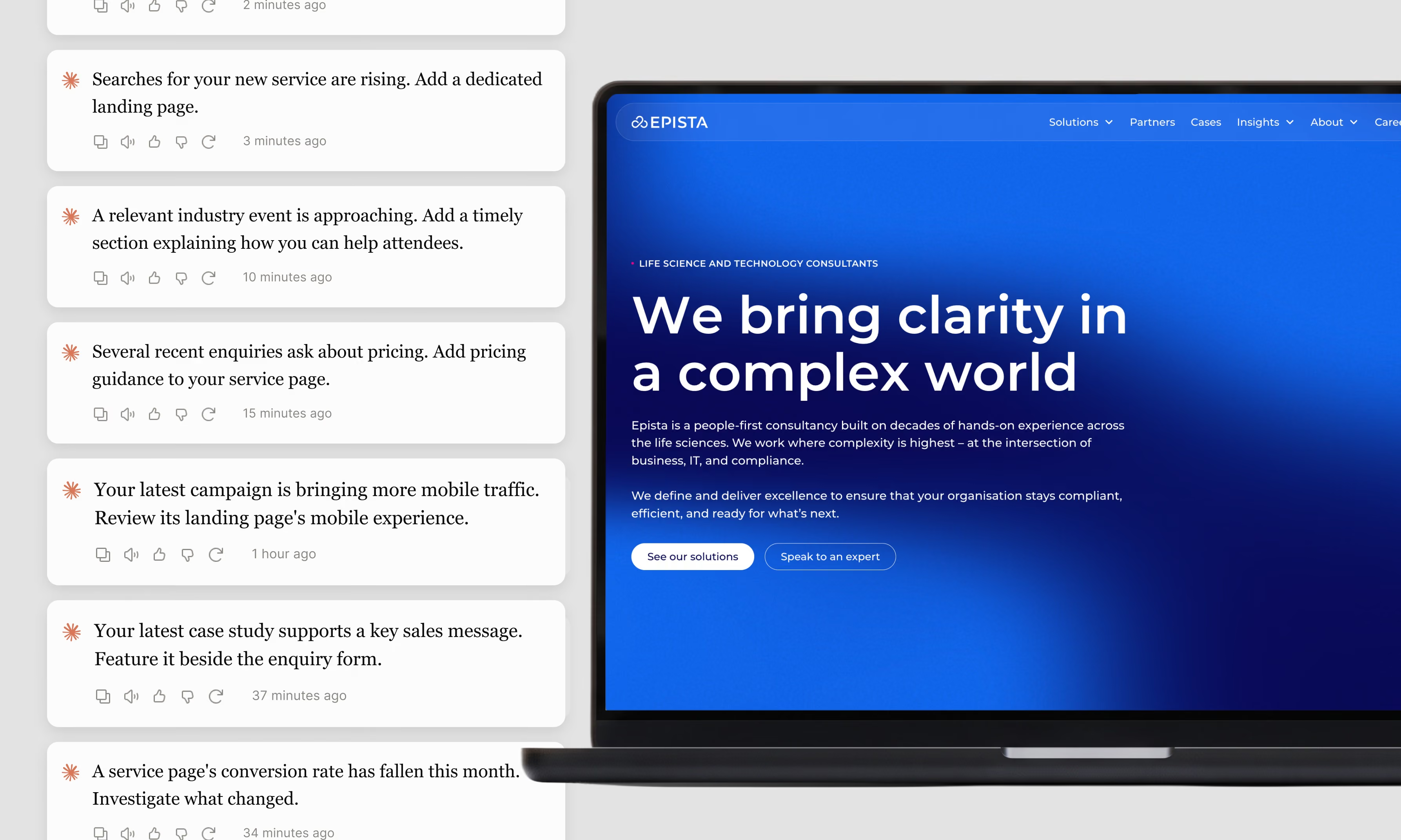
Good automation means the same work stops eating your week, and nobody has to babysit it.
Half the work that eats your week is the same work you did last week. We map it, pick what's worth automating, and build it into the tools you already use.
We stay on it. Automations break when inputs change, so we monitor, maintain and document everything we build.
What is AI for automation?
AI for automation is the practice of using AI agents and workflows to handle the repetitive work in your business, from lead handling and content operations to reporting and data clean-up. Where classic automation follows fixed rules, AI automation can read, judge and write, so it handles the messy middle that used to need a person.
The hard part is rarely the technology. It is choosing the right processes, connecting them to the systems you already run, and keeping them working when a form changes or a supplier renames a field. That is why we start with mapping, build into your stack, and stay around for monitoring and maintenance.
Who is this for?
Teams with more repeatable work than people to do it, and companies that have tried automation once and watched it quietly stop working. You'll recognize at least one of these.
- 01Your team is the integration layerPeople copy data between tools, chase approvals and rebuild the same report every Monday.
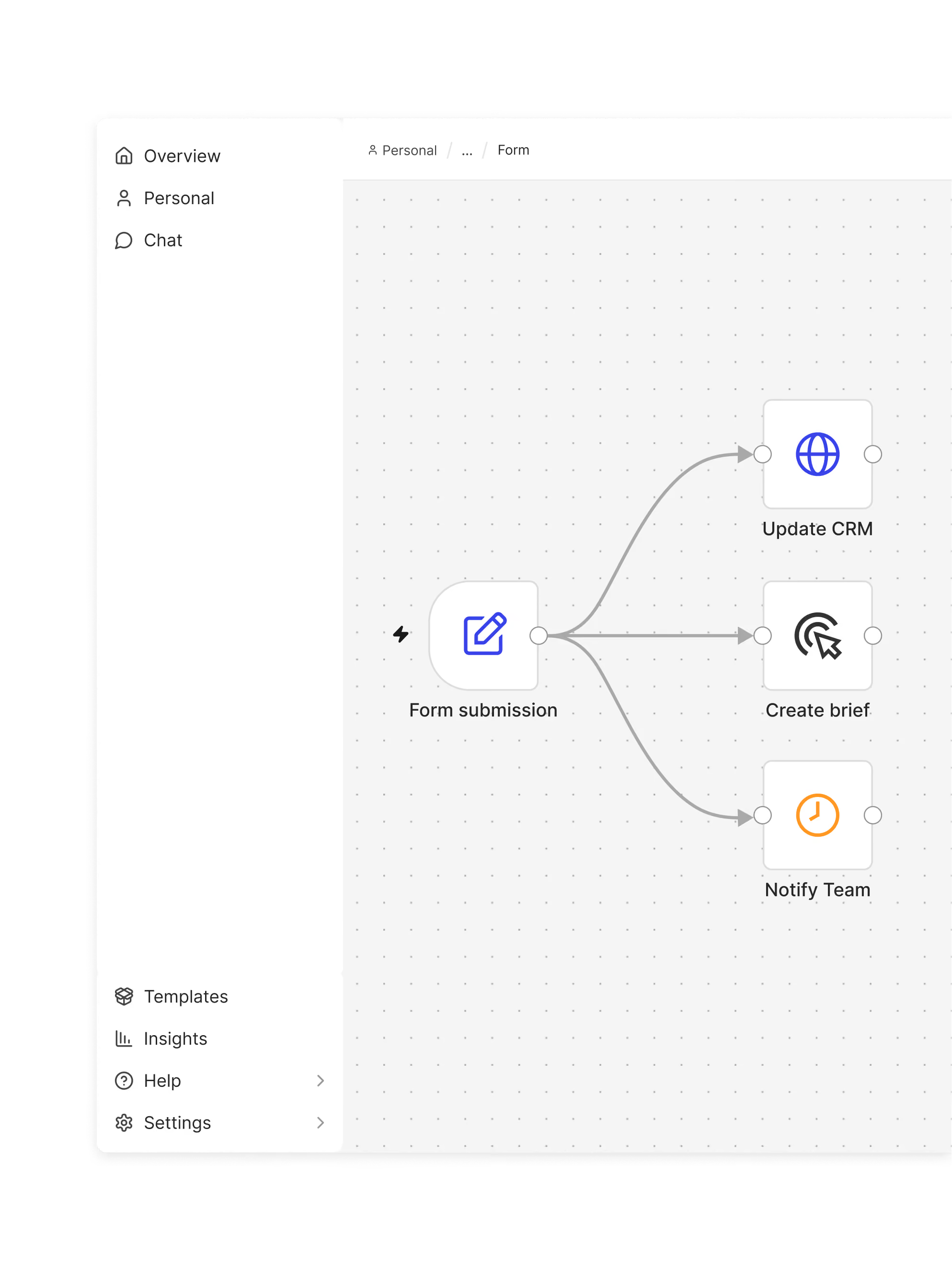
- 02Leads and requests wait too longInquiries sit in an inbox until someone has time, and the good ones go cold.
- 03The last automation quietly diedSomeone built a Zap two years ago. A field changed, nobody noticed, and it hasn't run since.
- 04You know AI could help, but not where to startEveryone has ideas. Nobody has mapped which processes are actually worth the effort.
If two of these sound familiar, a process mapping session is usually enough to see where the first win is, and whether it needs AI at all.
What's the difference between off-the-shelf automation and automation built into your stack?
Off-the-shelf automation | Built into your stack |
|---|---|
One tool, one trigger, one action. Fine until the process has an exception. | AI agents that read, judge and write, connected across the systems you actually use. |
Set up once, then nobody owns it. | Monitored, maintained and documented, with a named owner on both sides. |
Fits the tool's idea of your process. | Fits your process, your data and your rules. |
Automation only pays when it keeps working. The build takes a few weeks. The value comes from the months after, which is why we don't leave when it goes live.

What's included in AI for automation
From process map to running system
- Process mappingWe map how the work actually flows today, count the hours, and rank the processes by value and effort.
- Automation buildAI agents and workflows built for the processes that made the cut, tested on real cases before they touch anything live.
- System integrationConnected to the tools you already run, from your CRM and CMS to Webflow, Slack and your data sources.
- Handover and documentationEvery automation documented, with your team trained to run it, adjust it, and know when to call us.
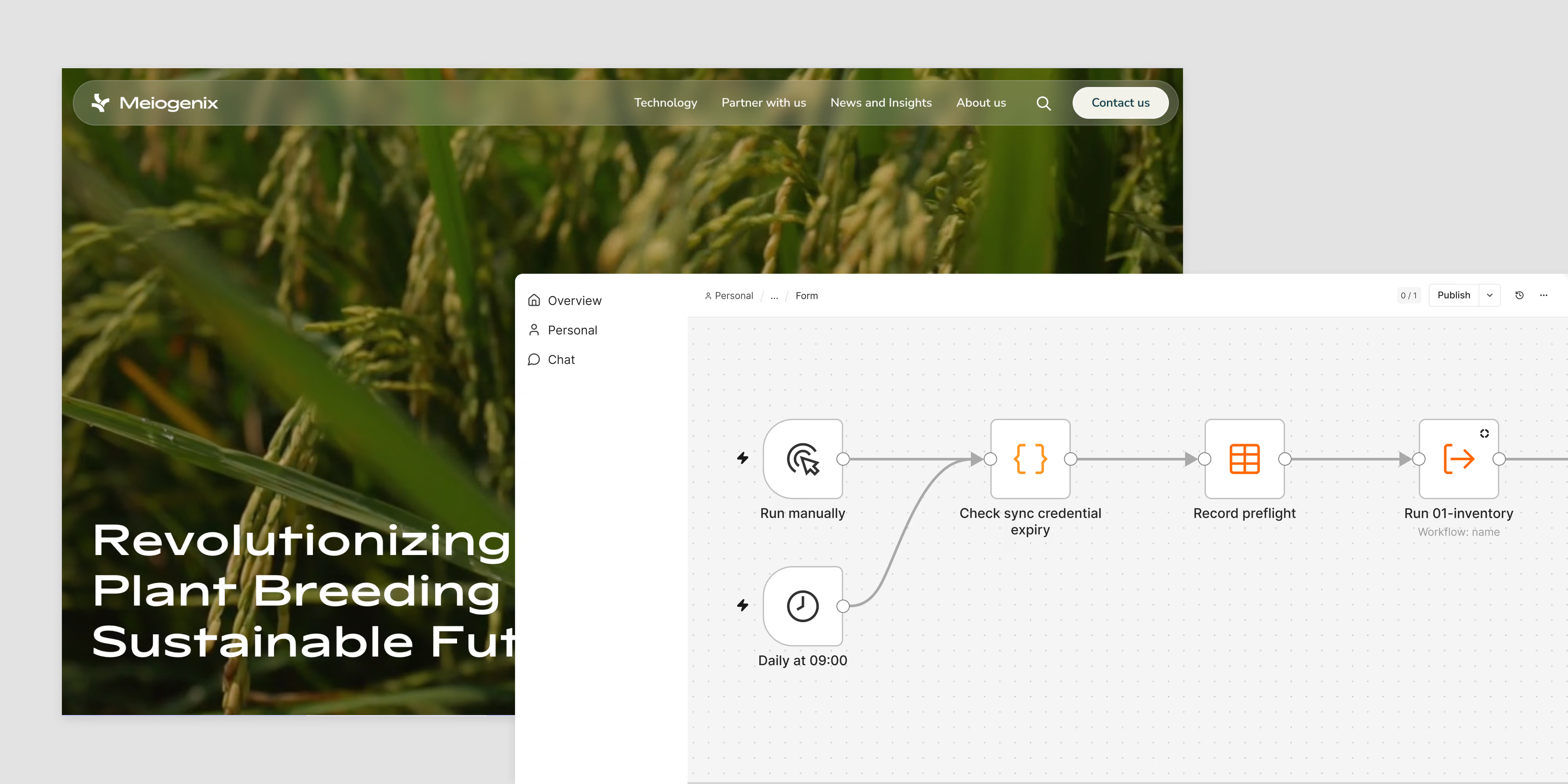
- Monitoring and maintenanceWe watch for failures, fix what breaks when inputs change, and improve what the data tells us to.
How we work
Four steps, no mystery
- 01MapWe sit with the people doing the work, map the processes end to end, and put a number on the hours each one eats.
- 02PrioritizeValue against effort, plus one honest question per process. Does this need AI, a simple workflow, or just a better form?
- 03Build and testWe build in the tools that fit the job, run it on real cases in parallel with the current process, and only switch over when it holds up.
- 04Run and maintainLive with monitoring, documentation and a handover to your team. We stay on for the changes that always come.
Questions
AI for automation is the practice of using AI agents and workflows to handle repetitive work in your business, connected to the systems you already run. Unlike rule-based automation, AI can read, judge and write, so it covers tasks that used to need a person, such as qualifying leads, cleaning data, drafting replies or building reports. Done properly, it includes mapping, integration, documentation and ongoing maintenance, not just the build.
The ones that are frequent, rule-based most of the time, and painful when they pile up. Lead qualification and routing, content operations like alt text and metadata, reporting, data clean-up between systems, and first-line handling of requests are typical. The mapping phase exists to find yours, and to say no to the ones that aren't worth it.
Whatever fits the job. Claude and OpenAI for the agents, Make, n8n or Zapier for the workflows, Figma Weave for design automation, and direct integrations with Webflow, your CRM and your data sources. We don't sell a platform, so we can pick the one that matches your stack instead of bending your process around ours. See how we work with Webflow.
Something always changes. That is why monitoring and maintenance are part of the service rather than an add-on. We log every run, get alerted when one fails, and fix it before your team notices. Every automation is documented, so nothing depends on one person remembering how it works.
No. We build it, document it and train your team to run it. If you have developers, we work with them on integrations and hand over the code. If you don't, we host and maintain it, and your team gets a clear view of what runs, when, and what to do if it doesn't.
A process mapping session takes a day or two. A first automation is typically live within a few weeks, running in parallel with the current process until it holds up. Larger programs are built in stages, so the first win lands early and pays for the next one.
Your data stays in your systems. We use the AI providers' business tiers, where your data is not used for training, and we set up access so each automation only reaches what it needs. Where a process touches personal data, we document it so it fits your GDPR setup, and we walk your DPO or IT lead through it before anything goes live.
No. AI for content creation trains AI on your brand so your team produces better content faster. AI for automation removes repetitive work from the team entirely, from lead routing to reporting. Many clients use both, and the content engines often run as automations, but they solve different problems and are scoped separately. Read about AI for content creation.
think we
might be a fit?
might be a fit?
Tell us where it hurts.
We'll give you a straight answer, even if it's not us.
We'll give you a straight answer, even if it's not us.
Let's talk