Webflow vs WordPress
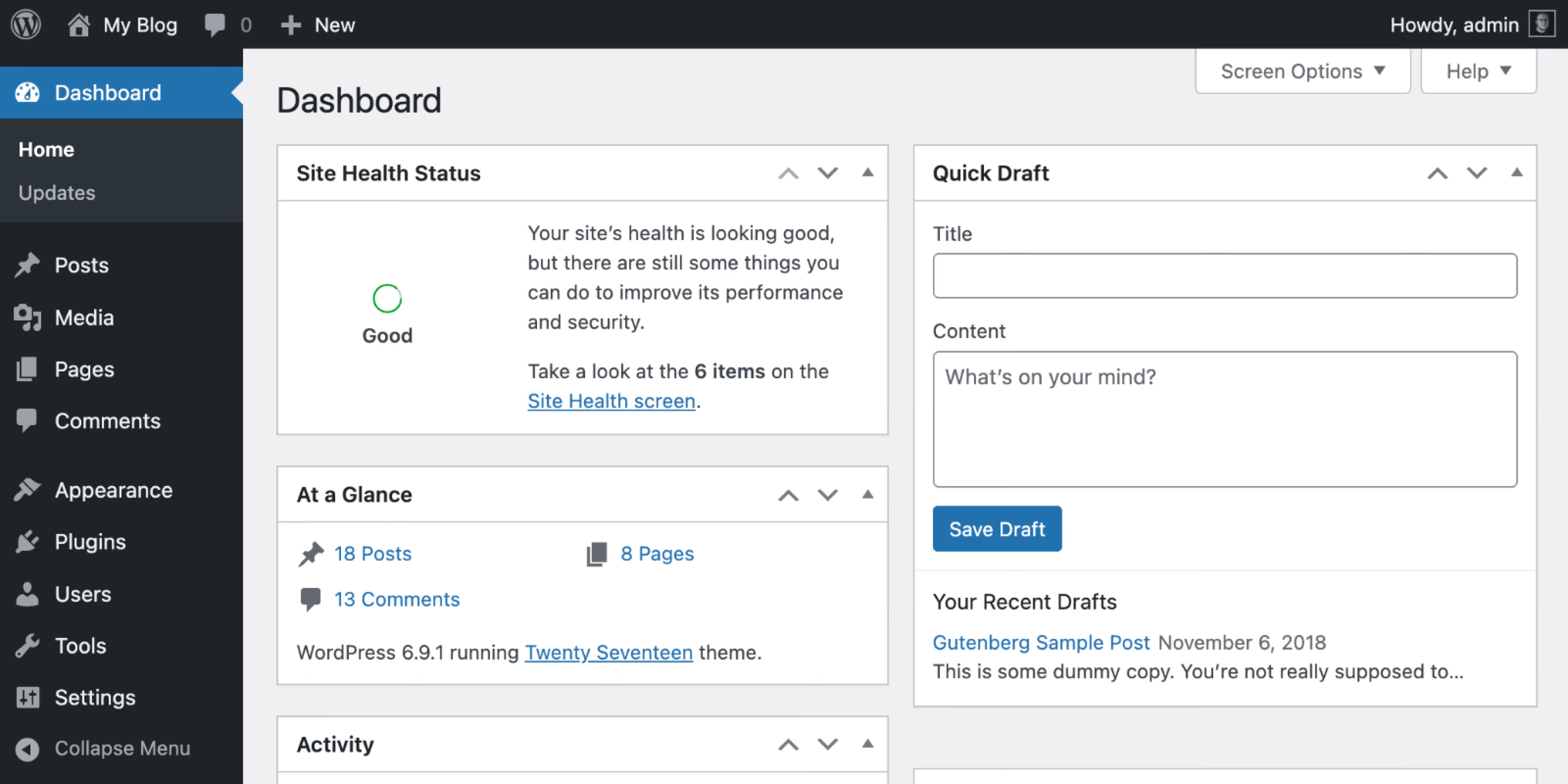
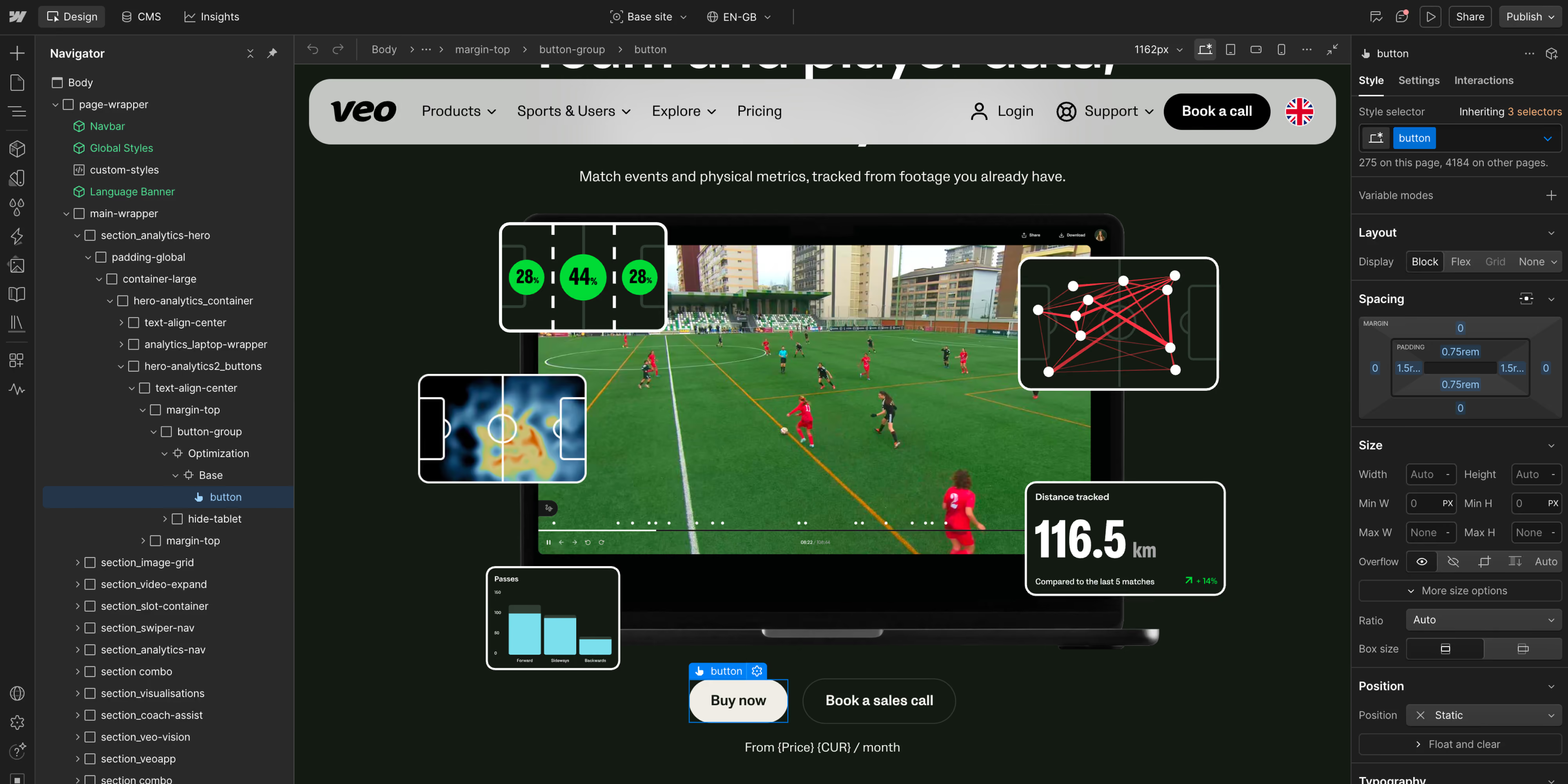
- 01WordPress remains the dominant CMS. W3Techs reports it on about 40.2% of all websites and 58.8% of sites with a known CMS; Webflow is about 0.8% and 1.2% respectively on the review date.
- 02WordPress has no CMS license fee, but production is not free. Hosting, premium products, development, monitoring, security, updates, and performance work make up the operating cost.
- 03Webflow packages the CMS, hosting, CDN, SSL, and platform updates into a managed service. Teams do not maintain the CMS core or a conventional plugin stack.
- 04WordPress offers unmatched breadth. Its official directory lists more than 72,000 free plugins, before commercial products and custom development are counted.
- 05The best platform follows the use case. Webflow is strong for marketing-owned brand and content sites; WordPress is strong for publishing, extensibility, and WooCommerce-based ecommerce.
The honest difference
Webflow is a managed platform that integrates the visual development environment, CMS, hosting, CDN, SSL, and publishing workflow. Designers and marketers can work closer to the production website while Webflow operates the underlying platform. Apps, custom code, analytics, consent tools, and other third-party services still need governance, but there is no self-managed WordPress core and plugin-update cycle.
WordPress gives developers a higher ceiling for backend logic, data, hosting, and extensions. Webflow constrains the underlying platform so a smaller team can operate the site with less technical overhead.
Webflow | WordPress | |
|---|---|---|
Product model | Hosted visual website platform and CMS | Open-source CMS software |
Day-to-day owner | Design, brand, marketing, and content teams | Editors supported by developers or a managed provider |
Hosting | Included and managed | Chosen and paid separately, unless bundled by a managed provider |
Updates | Core platform handled by Webflow | Core, themes, plugins, runtime, and compatibility require ownership |
Design control | Native visual layout, responsive, and interaction tools | Depends on theme, block editor, page builder, or custom front end |
Extensibility | Apps, integrations, APIs, custom code, and external services | More than 72,000 free plugins plus commercial and custom code |
Performance | Strong managed foundation. Implementation still matters | Can be excellent, but depends on hosting, theme, plugins, caching, and implementation |
Ecommerce | Suitable for selected simpler storefronts and integrations | WooCommerce is highly extensible and suited to complex stores |
Public starting price* | Basic $15/month. Premium $25/month, billed yearly | No CMS license fee. Hosting and the rest of the stack are separate |
Best fit | Marketing-led brand and content sites | Publishing, complex ecommerce, and sites needing WordPress-specific extensibility |
Where Webflow wins
Designers work directly with responsive layouts and interactions, while editors publish within a structured CMS and component system. A well-designed build lets marketing launch pages without sending routine work through a development queue.
The managed platform removes the need to maintain a conventional host, CMS core, theme, and plugin stack, making delivery and cost more predictable when the alternative requires recurring developer time. Performance still depends on images, fonts, scripts, animation, consent tooling, and third-party services. Webflow is a strong fit for design-led B2B sites used primarily for brand, content, and demand generation.
Where WordPress wins
Its plugin and developer ecosystem is unmatched, WooCommerce supports complex ecommerce, and the organization can control hosting, data, code, and infrastructure.
It also fits high-volume publishing, memberships, editorial platforms, and projects that depend on a mature WordPress-specific product. A skilled team can implement advanced workflows, custom applications, headless architectures, and deep integrations. The condition is ownership: without accountability for architecture, updates, security, backups, performance, and plugin governance, flexibility becomes technical debt.
Where Webflow wins
Designers work directly with responsive layouts and interactions, while editors publish within a structured CMS and component system. A well-designed build lets marketing launch pages without sending routine work through a development queue.
The managed platform removes the need to maintain a conventional host, CMS core, theme, and plugin stack, making delivery and cost more predictable when the alternative requires recurring developer time. Performance still depends on images, fonts, scripts, animation, consent tooling, and third-party services. Webflow is a strong fit for design-led B2B sites used primarily for brand, content, and demand generation.
Where WordPress wins
Its plugin and developer ecosystem is unmatched, WooCommerce supports complex ecommerce, and the organization can control hosting, data, code, and infrastructure.
It also fits high-volume publishing, memberships, editorial platforms, and projects that depend on a mature WordPress-specific product. A skilled team can implement advanced workflows, custom applications, headless architectures, and deep integrations. The condition is ownership: without accountability for architecture, updates, security, backups, performance, and plugin governance, flexibility becomes technical debt.
Which should you choose?
- A marketing team needs to own and update the site without developers for routine work
- Brand quality, responsive control, and speed to publish are the main priorities
- You want hosting and core platform operations handled as a service
- The site does not depend on a WordPress-only plugin or complex WooCommerce setup
- You need a specific plugin, custom application logic, or full infrastructure control
- You run large or complex ecommerce through WooCommerce
- You publish at high volume with specialized editorial requirements
- You have the skills or budget to maintain the platform responsibly
We will give you a straight answer on which platform fits, including when WordPress should stay.