Webflow vs HubSpot Content Hub
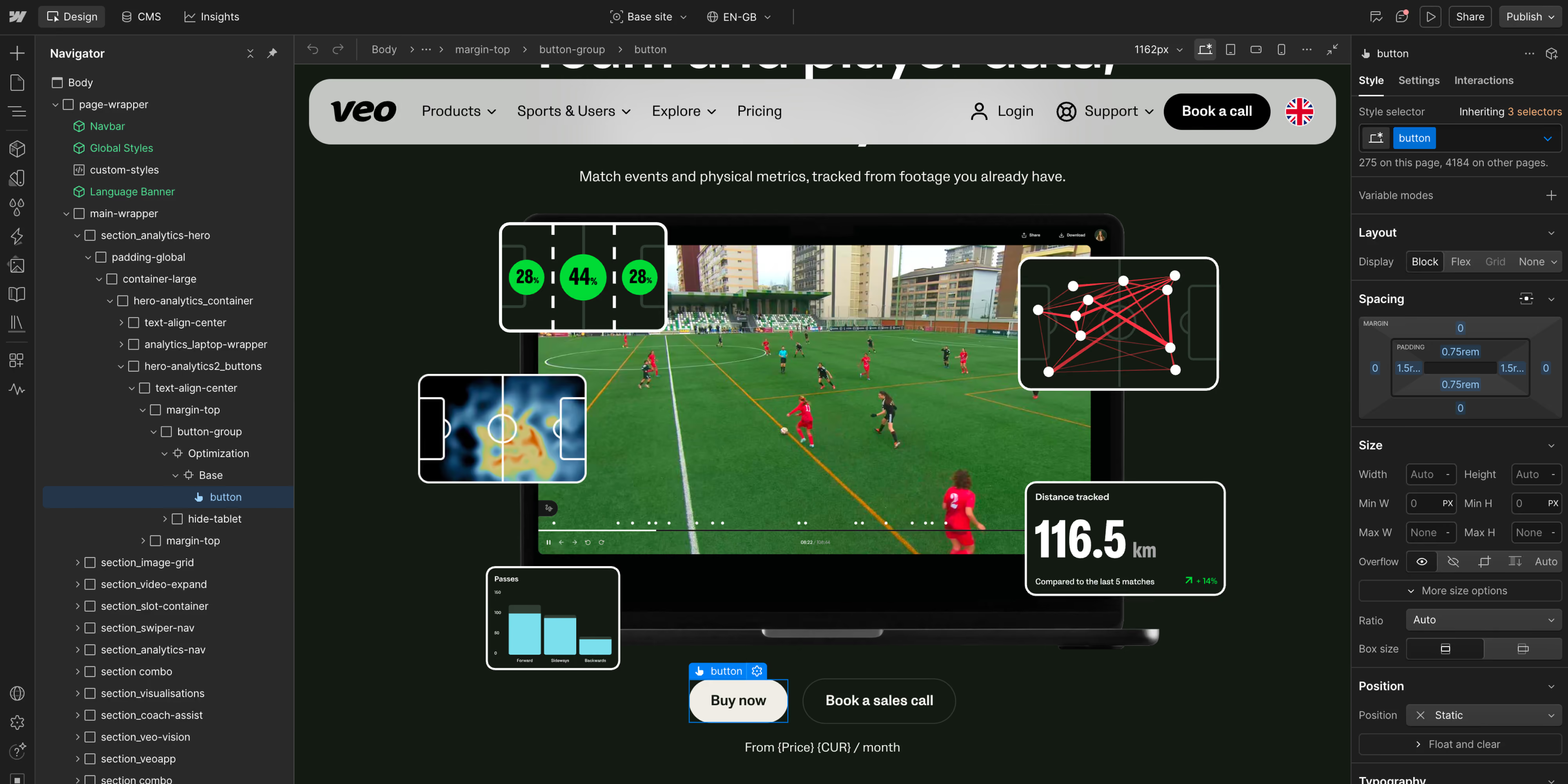
- 01The center of gravity is different. Webflow starts with the website; HubSpot starts with the customer platform.
- 02Webflow gives designers and marketers more direct control over the final experience. HubSpot’s flexibility depends more heavily on the quality of its theme, modules, and implementation.
- 03HubSpot is stronger when website activity must feed directly into CRM records, automation, segmentation, and revenue reporting.
- 04Pricing is structured differently. Webflow prices the site and workspace where HubSpot Content Hub uses editions and seats, with Professional starting at $500 per month and Enterprise at $1,500 per month on the reviewed pricing page.
- 05A hybrid architecture is often the best answer. Webflow and HubSpot can work together instead of forcing the website into the same platform as the CRM.
The honest difference
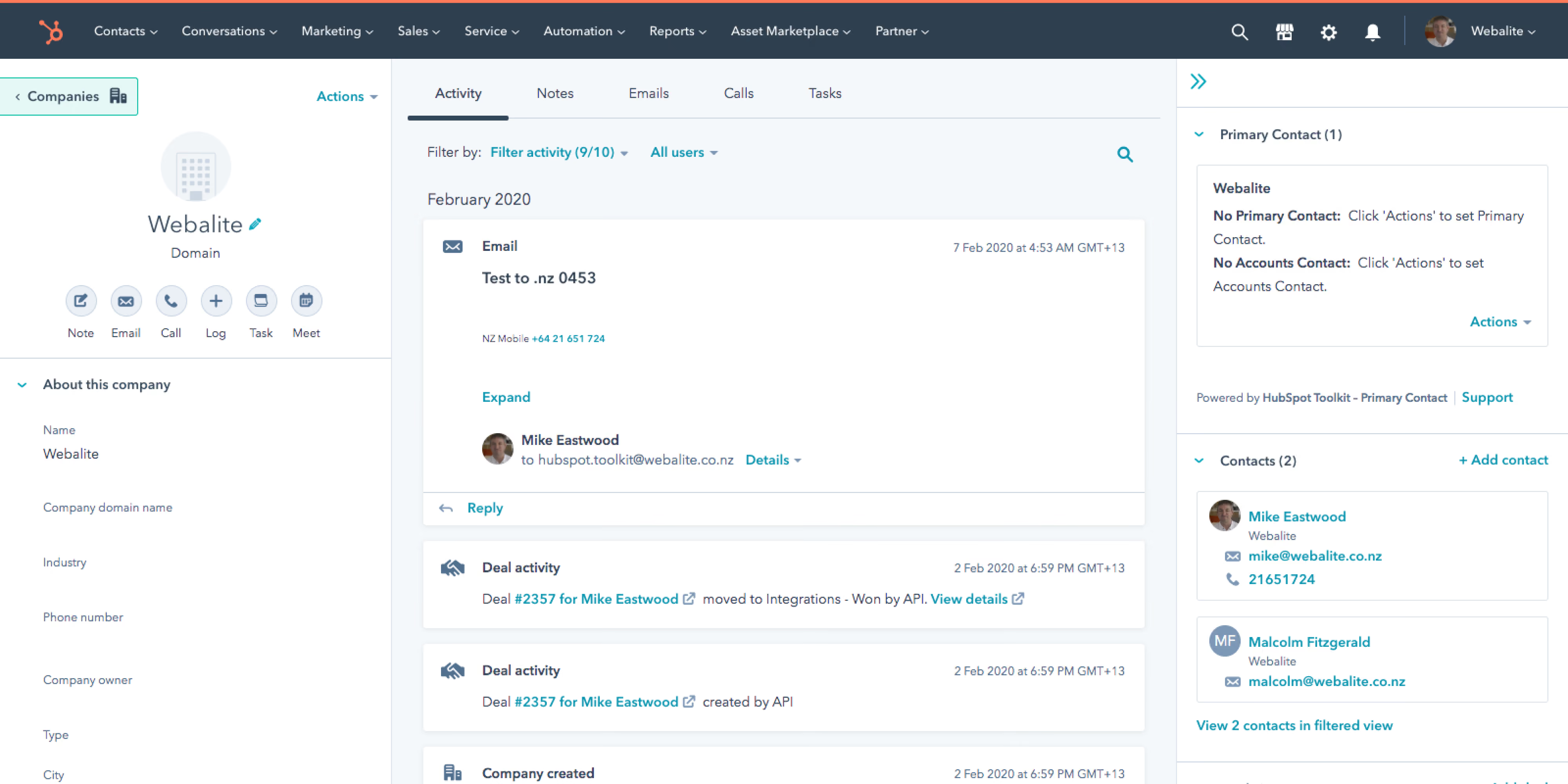
HubSpot Content Hub is a content product inside HubSpot’s customer platform. Its advantage is context. A page, form submission, contact, campaign, deal, and report can live in the same ecosystem. That makes it useful for teams that want the website to participate directly in lead nurturing, personalization, attribution, and sales handoffs.
Both can support serious marketing operations and produce a strong website. The practical question is whether the site team should work primarily in a visual website platform or inside a CRM-led content system.
Webflow | HubSpot | |
|---|---|---|
Product model | Hosted visual website platform and CMS | Content product inside HubSpot’s customer platform |
Best day-to-day owner | Brand, design, and marketing teams | Marketing operations and demand generation teams |
Design control | High. Visual layout and interactions are core to the product | Good with a well-built theme and modules, but more implementation-dependent |
CRM | Integrates with HubSpot and other CRMs | Native HubSpot CRM connection |
Marketing automation | Usually provided by connected tools | Native across HubSpot products and editions |
Hosting and platform updates | Managed by Webflow | Managed by HubSpot |
Personalization | Available through Webflow products, custom logic, or third parties | Strong when based on HubSpot CRM data and product tier |
SEO controls | Metadata, redirects, canonicals, sitemap, robots controls, structured-data support | On-page SEO tools and recommendations within the HubSpot ecosystem |
Starting website price* | Basic $15/month billed yearly. Premium $25/month billed yearly | Free and Starter tiers available. Professional starts at $500/month and Enterprise at $1,500/month on the reviewed page |
Best fit | Design-led, marketing-owned websites | CRM-led inbound and lifecycle marketing operations |
Where Webflow wins
Its visual system gives teams close control over responsive layouts, motion, components, and the details that make a digital brand feel intentional.
Keeping the website separate from the CRM also reduces lock-in. Teams can change forms, analytics, automation, or CRM tooling without rebuilding the front end. Webflow’s structured CMS and visual page-building workflow can reduce technical tickets for campaigns and content changes, provided the component system is designed properly at launch.
Where HubSpot wins
Teams can connect website activity with forms, email, campaigns, and sales data without stitching together as many systems.
That context is especially useful for demand generation: personalization and reporting can use CRM properties, and the website sits close to the processes that turn a visit into a qualified lead and revenue. For teams already committed to HubSpot, Content Hub can also reduce vendor and integration management.
Where Webflow wins
Its visual system gives teams close control over responsive layouts, motion, components, and the details that make a digital brand feel intentional.
Keeping the website separate from the CRM also reduces lock-in. Teams can change forms, analytics, automation, or CRM tooling without rebuilding the front end. Webflow’s structured CMS and visual page-building workflow can reduce technical tickets for campaigns and content changes, provided the component system is designed properly at launch.
Where HubSpot wins
Teams can connect website activity with forms, email, campaigns, and sales data without stitching together as many systems.
That context is especially useful for demand generation: personalization and reporting can use CRM properties, and the website sits close to the processes that turn a visit into a qualified lead and revenue. For teams already committed to HubSpot, Content Hub can also reduce vendor and integration management.
Which should you choose?
- Brand expression and visual quality are non-negotiable
- Your marketing team needs to launch and improve pages quickly
- You want the freedom to connect HubSpot, another CRM, or a changing marketing stack
- You prefer predictable website operations without tying the entire front end to one customer platform
- HubSpot CRM is already the center of your marketing and sales operation
- Native personalization, automation, and attribution matter more than complete visual freedom.
- Your team wants fewer integrations and prefers a single vendor ecosystem
- The website is closely tied to inbound campaigns, lead nurturing, and sales workflows
Smaller teams may prefer HubSpot when one generalist owns the website, CRM, and campaigns, while Webflow fits teams with stronger design ambitions. For scale-ups, a hybrid model is often effective: Webflow runs the front end while HubSpot manages contacts, forms, automation, and sales. At enterprise scale, compare governance, identity, security, localization, multiple sites, support, procurement, and the complete contract rather than public starter plans.
Webflow offers more direct front-end and interaction control. HubSpot offers more native flexibility around customer journeys, CRM logic, and campaign operations. Custom development can extend both, but in different directions: Webflow tends to be extended into the wider web stack; HubSpot tends to be extended within the customer platform.
Webflow commonly fits B2B SaaS, professional services, technology companies, and design-led brands where the website must move quickly and communicate a differentiated position. HubSpot fits organizations built around inbound marketing, lead qualification, partner pipelines, and sales alignment. Industry matters less than the team’s operating model and data requirements.
Webflow is usually better for visual design, interactions, and an independent marketing site. HubSpot is usually better when the site needs native access to CRM data, marketing automation, and revenue reporting. The better platform depends on what the website is expected to do after launch.
Yes, Webflow can replace the website and CMS layer. It does not automatically replace HubSpot CRM, email, automation, sales, or reporting. Many migrations keep those HubSpot products and connect them to the new Webflow site.
Yes. Teams commonly connect Webflow with HubSpot through embedded or custom forms, automation tools, APIs, and integration services. The right approach depends on consent, data quality, tracking, and whether the form experience must remain fully native to the website.
Both can support strong technical SEO. Webflow gives you direct control over metadata, redirects, canonicals, sitemap, robots, and structured data. HubSpot has on-page SEO tools and recommendations inside its own ecosystem. No CMS creates authority or AI search visibility on its own. Content quality, structure, internal links, and sources are still what decide it.
Webflow’s public website plans start lower than HubSpot Content Hub Professional, but the comparison is incomplete. HubSpot may replace separate CRM, automation, and reporting tools where Webflow may require them. Compare the total stack, seats, contacts, implementation, integrations, and internal time over at least two to three years.
Migrate if the current platform is limiting design, page production, performance work, or marketing autonomy, and if HubSpot’s CRM products can remain connected without losing essential workflows. Do not migrate simply because Webflow is fashionable. First map forms, tracking, consent, personalization, redirects, analytics, and campaign dependencies.
We will tell you which setup fits your team, including when the strongest answer is to use both.